What is the Fundamental Difference Between a Self-Service Machine and a POS System?
Dec 08, 2025
The distinction between a Point of Sale (POS) machine and a Self-Service Machine (often called a kiosk) centers on who is operating the device and its primary operational role within the business.
The POS System is the comprehensive, staff-operated central hub for sales, business management, and reporting. The Self-Service Machine is a customer-facing terminal designed specifically to streamline the ordering, scanning, and payment processes, reducing the need for direct staff involvement in every transaction.
Defining the Core Components
Achieving a high ranking requires defining the terms clearly for both Google and the reader.
1. What is a POS (Point of Sale) System?
A POS system is a combination of hardware and software used by a business to finalize transactions. Crucially, it serves as the central nervous system for the entire operation.
Primary User: Trained staff or cashier.
Role: Comprehensive financial management, order entry, employee clock-in/out, inventory tracking, and running detailed sales reports (e.g., daily sales, best-selling items, labor costs).
Location: Usually behind the counter, server station, or fixed service point.
2. What is a Self-Service Machine (Kiosk)?
A self-service machine or kiosk is a dedicated, public-facing terminal designed for quick, independent customer interaction.
Primary User: The customer.
Role: Facilitating fast order placement, product scanning, and payment completion, shifting the burden of data entry from the employee to the consumer.
Location: High-traffic customer areas like store entrances, dining halls, or waiting areas.
A Side-by-Side Comparison of Features and Hardware
To cement the comparison, here is a detailed breakdown of how the two technologies differ in practice.
Feature Category
POS Machine (Staff-Operated)
Self-Service Kiosk (Customer-Operated)
Operational Scope
Comprehensive. Manages refunds, complex discounts, loyalty programs, staff permissions, and back-office reports.
Transactional. Focuses purely on product selection, customization, and payment processing.
System Interface
Designed for staff efficiency, often featuring complex menus and detailed inputs for inventory management.
Designed for User Experience (UX), featuring large buttons, clear visuals, and intuitive guided workflows.
Hardware
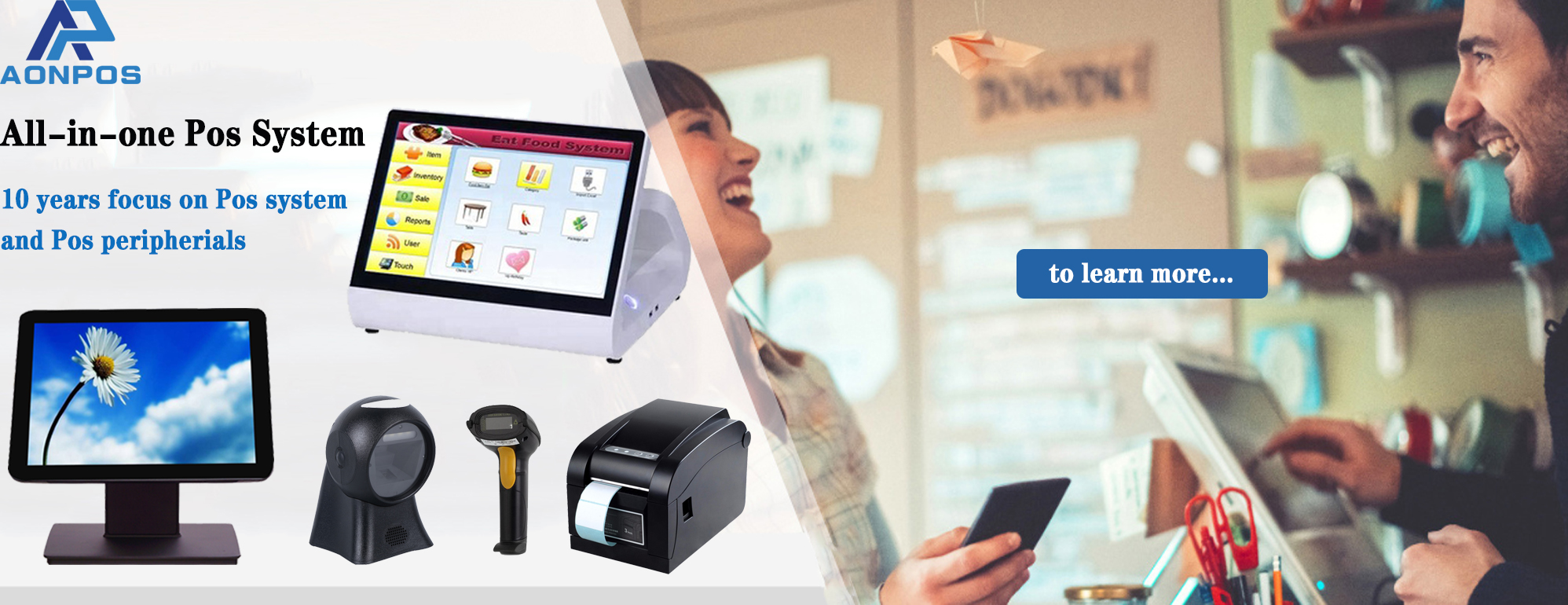
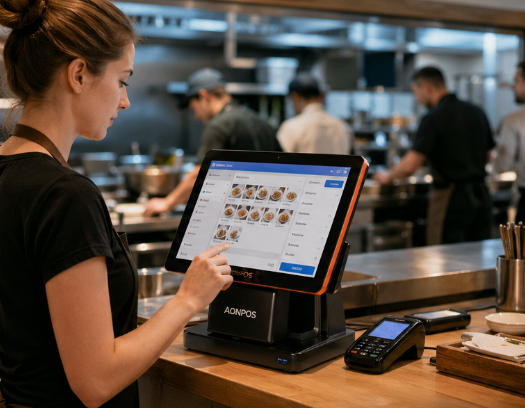
Smaller touchscreen monitor, cash drawer, dedicated receipt printer, magnetic card reader, optional handheld scanner.
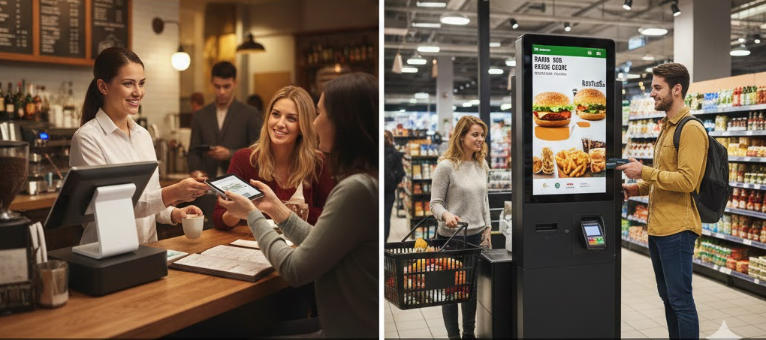
Large, durable, tamper-resistant touchscreen display, built-in payment terminal, dedicated stand/enclosure.
Connectivity
Deeply integrated with back-office software (inventory, labor, accounting).
Primarily integrated with the Kitchen Display System (KDS) or order fulfillment queue.
Cost
Lower initial hardware cost, but tied to comprehensive software licenses.
Higher initial hardware cost (due to size and durability) but potentially lower long-term labor costs.
When to Use Which System: Ideal Applications
Deciding which system to invest in depends entirely on your business model and operational goals.
When to Prioritize the POS Machine
The POS machine is indispensable when transactions require human judgment and intervention.
Full-Service Restaurants: For managing complex table service, splitting checks, serving alcohol (age verification), and handling server tips.
Specialized Retail (e.g., Jewelry, Electronics): When sales involve extensive product knowledge, upselling guided by staff, or handling high-value security requirements.
Service-Based Businesses (e.g., Salons, Repair Shops): Used for booking appointments, managing client histories, and processing service-based invoices.
When to Implement a Self-Service Kiosk
Kiosks are a powerful tool for streamlining high-volume, repetitive processes.
Quick-Service Restaurants (QSR) & Fast Casual: Reduces queues, allows customers to customize orders perfectly, and boosts average order value (AOV) through automated upsells.
Retail Groceries & Pharmacies: Provides a quick checkout option for customers with a few items (self-checkout).
Entertainment & Travel: Used for ticket purchasing, printing boarding passes, or checking into hotels.
Business Impact: A well-placed kiosk can significantly reduce labor costs and increase order accuracy, while the POS machine remains vital for inventory control and detailed financial auditing.
Which System is Right for Your Business?
A successful modern business often requires both systems working in harmony.
To determine your priority, consider the following:
Do you require staff to manage inventory and labor? POS System is essential.
Is your business high-volume and order accuracy critical? Self-Service Kiosk is a high-value investment.
Do you want staff to focus on customer service instead of data entry? A combination is best. Use kiosks for ordering, and POS systems for exceptions (returns, large orders, staff overrides).