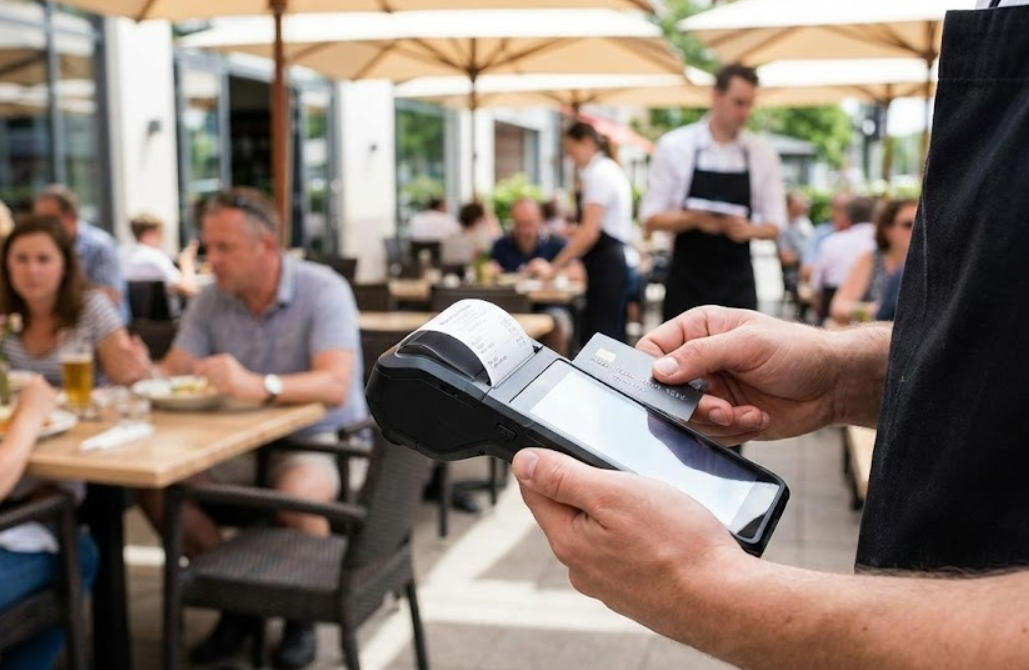
What Payment Technologies Should a POS Support?
May 10, 2026
In today’s fast-paced retail and hospitality industries, having a reliable payment POS system is essential for business success. Customers expect fast, secure, and flexible payment options, from traditional cards to digital wallets. Modern POS solutions, including contactless POS and NFC POS technologies, not only streamline transactions but also enhance the overall shopping experience. Investing in a versatile payment POS system ensures that your business stays competitive, meets customer expectations, and adapts to evolving payment trends.
Contactless POS: Speed and Convenience for Modern Customers
Contactless payments have quickly become a preferred method for consumers worldwide. A contactless POS allows customers to complete transactions simply by tapping their card, smartphone, or wearable device, eliminating the need for cash or PIN entry. This method not only speeds up checkout lines but also reduces physical contact, which has become increasingly important in today’s health-conscious environment. By implementing a contactless POS, businesses can provide a faster, smoother, and safer payment experience, increasing customer satisfaction and loyalty.
NFC POS: Supporting Digital Wallets and Secure Transactions
Near Field Communication (NFC) technology is a core component of modern contactless payments. An NFC POS system can read data from smartphones, smartwatches, and contactless cards, enabling secure transactions through digital wallets such as Apple Pay, Google Wallet, and Samsung Pay. NFC POS systems encrypt transaction data, protecting both businesses and customers from fraud. For businesses, adopting NFC POS ensures compatibility with emerging payment methods, allowing them to stay ahead of market trends and meet evolving consumer expectations.
Comprehensive Payment POS Systems Beyond Cards
A high-performing payment POS system should not be limited to card or contactless payments. It should also support EMV chip cards, QR code payments, and even biometric authentication for added security. Beyond payment processing, modern POS systems integrate features like inventory management, loyalty programs, and detailed sales reporting. This makes the POS system a central tool for business operations, helping companies streamline workflows, optimize stock levels, and provide personalized offers to customers. A comprehensive payment POS system ensures that every transaction contributes to operational efficiency and better decision-making.
Choosing a Reliable POS Provider: Why AonPOS Stands Out
Selecting the right POS provider is critical for business success. Aonpos offers advanced POS systems that integrate contactless and NFC payment technologies, providing a secure and versatile payment experience. With scalable solutions that support multiple payment methods, businesses can adapt to evolving consumer preferences without compromising speed or security. Additionally, Aonpos ensures compliance with industry standards, giving businesses peace of mind while improving transaction efficiency.
Conclusion
Supporting multiple payment technologies is no longer optional—it’s a necessity for businesses aiming to deliver seamless customer experiences. A payment POS system that includes contactless POS and NFC POS capabilities provides faster transactions, improved security, and greater customer satisfaction. Choosing a reliable provider like Aonpos ensures your system is scalable, compliant, and ready for future payment innovations. By upgrading your POS system today, you can enhance operational efficiency, build trust with customers, and future-proof your business in an increasingly digital marketplace.