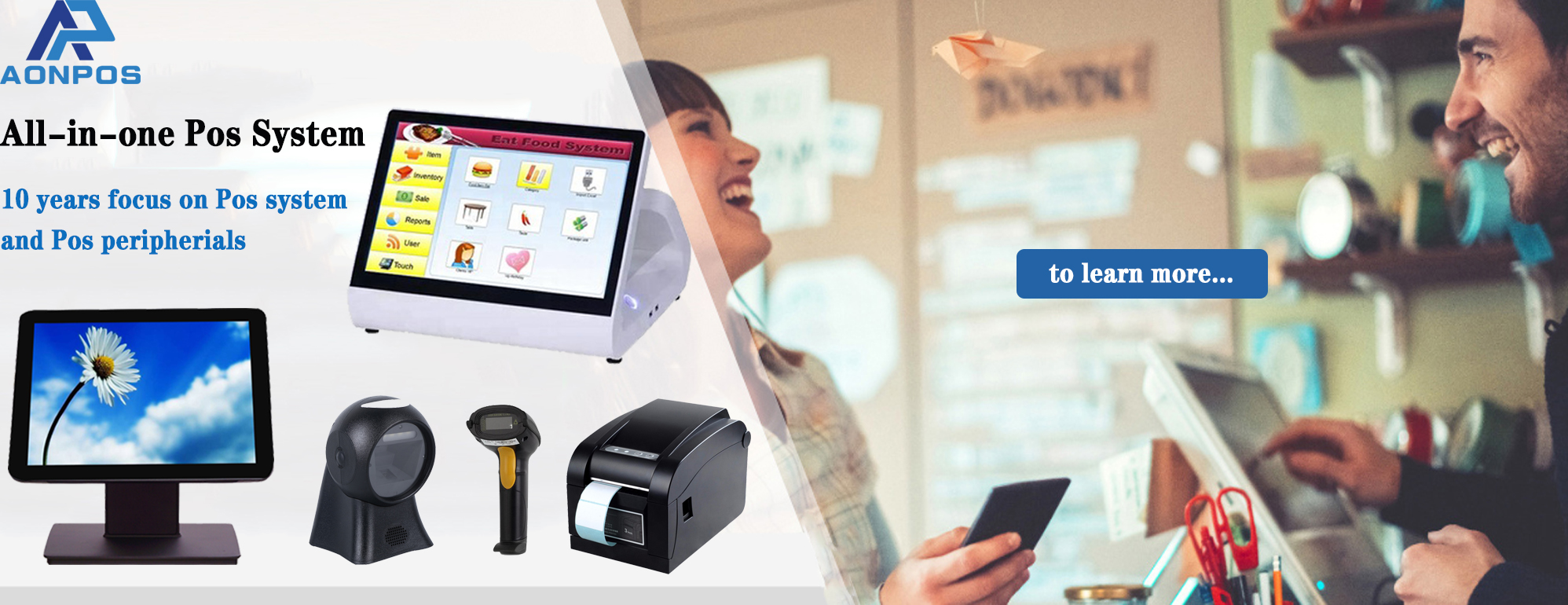
All-in-One POS vs Traditional Cash Register: Which Is Better for Modern Businesses?
May 26, 2026
In today’s fast-changing retail and hospitality landscape, businesses need more than just a way to process payments. The debate around POS vs cash register has become increasingly important as companies look for smarter, faster, and more scalable solutions to manage operations.
While traditional cash registers were once the standard for retail stores and restaurants, modern all-in-one POS systems now offer advanced business management tools that go far beyond simple transactions. But which option is right for your business?
This guide compares all-in-one POS systems and traditional cash registers in terms of functionality, cost, efficiency, and long-term value.
What Is a Traditional Cash Register?
A traditional cash register is a basic device used to calculate sales, store cash, and print receipts. These systems have been used in retail for decades and are designed mainly for handling transactions.
Key Features of Traditional Cash Registers
Cash drawer management
Receipt printing
Basic sales calculations
Simple reporting functions
Offline operation
Traditional cash registers are typically easy to use and require minimal training. For very small businesses with limited daily transactions, they may still serve a practical purpose.
However, as customer expectations and business operations become more digitalized, cash registers often lack the flexibility and intelligence modern businesses require.
What is an All-in-One POS System?
An all-in-one POS (Point of Sale) system combines payment processing, inventory management, customer analytics, employee management, and reporting tools into one integrated platform.
Unlike conventional cash registers, POS systems are designed to help businesses streamline operations and improve customer experiences.
Common Features of Modern POS Systems
Touchscreen interface
Inventory tracking
Sales analytics and reporting
CRM and customer loyalty tools
Multi-payment support
Employee management
Cloud-based data synchronization
Integration with eCommerce platforms
Brands like Aonpos provide integrated POS solutions that support retailers, restaurants, supermarkets, and hospitality businesses looking for scalable and efficient operations.
POS vs Cash Register: Key Differences
1. Functionality
The biggest difference between a POS system and a cash register is functionality.
Traditional Cash Register
A cash register mainly focuses on processing sales transactions. It records purchases, stores cash, and prints receipts.
All-in-One POS
A POS system acts as a complete business management solution. In addition to payment processing, it can track inventory, generate sales reports, manage employees, and even support online ordering.
If your business needs operational insights and automation, a POS system offers significantly more capabilities.
2. Inventory Management
Inventory management is where modern POS systems outperform traditional cash registers.
Cash Register
Most cash registers do not track inventory automatically. Employees often need to manually count stock and update records separately.
POS System
An all-in-one POS automatically updates inventory after every sale. This helps businesses:
Reduce stock errors
Prevent overselling
Monitor best-selling products
Improve purchasing decisions
For businesses with multiple products or locations, this feature can save substantial time and labor costs.
3. Reporting and Analytics
Business data is essential for growth.
Cash Register
Traditional cash registers provide limited reporting, often only basic daily sales totals.
POS System
Modern POS systems generate detailed analytics, including:
Sales trends
Peak business hours
Product performance
Employee productivity
Customer purchasing behavior
Solutions from companies such as Aonpos often include real-time reporting dashboards that help businesses make data-driven decisions.
4. Payment Flexibility
Consumer payment preferences have evolved rapidly.
Cash Register
Traditional registers primarily support cash transactions and sometimes basic card terminals.
POS System
Modern POS systems support:
Credit and debit cards
Mobile wallets
Contactless payments
QR code payments
Online and offline transactions
This flexibility improves customer convenience and speeds up checkout processes.
5. Customer Experience
Today’s customers expect fast, seamless service.
Cash Register
Traditional systems may slow down operations during busy hours due to manual processes.
POS System
All-in-one POS solutions improve customer experience through:
Faster checkout
Digital receipts
Loyalty programs
Personalized promotions
Accurate order management
In industries such as restaurants and retail, efficient service can directly impact customer retention.
6. Scalability
As businesses grow, operational complexity increases.
Cash Register
Cash registers are difficult to scale across multiple stores or channels.
POS System
Cloud-based POS platforms allow businesses to:
Manage multiple locations
Synchronize inventory
Access reports remotely
Expand into eCommerce
This makes POS systems more suitable for growing businesses and franchise operations.
Cost Comparison: POS vs Cash Register
Traditional Cash Register Costs
Traditional cash registers usually have lower upfront costs. Small standalone models can be relatively inexpensive, making them attractive for startups with limited budgets.
However, they may require:
Separate payment terminals
Manual inventory systems
Additional accounting processes
Over time, these inefficiencies can increase operational expenses.
All-in-One POS Costs
POS systems generally involve higher initial investment because they include software, hardware, and advanced functionality.
Yet many businesses find that the long-term benefits outweigh the cost through:
Improved efficiency
Reduced human error
Better inventory control
Increased sales insights
Modern providers like Aonpos offer scalable POS hardware and software solutions suitable for businesses of different sizes.
Which Businesses Should Use a Cash Register?
A traditional cash register may still work well for:
Small kiosks
Temporary stores
Businesses with very limited inventory
Cash-only operations
If your operation is simple and transaction volume is low, a cash register can remain a cost-effective option.
Which Businesses Should Choose an All-in-One POS?
An all-in-one POS system is ideal for:
Retail stores
Restaurants and cafés
Supermarkets
Convenience stores
Multi-location businesses
Businesses planning to scale
If your company needs operational visibility, inventory automation, and modern payment capabilities, investing in a POS system is often the smarter long-term decision.
Final Thoughts: POS vs Cash Register
When comparing POS vs cash register, the right choice depends on your business size, operational complexity, and future growth plans.
Traditional cash registers are simple and affordable, but they offer limited functionality. In contrast, all-in-one POS systems provide advanced business management tools that help companies improve efficiency, customer experience, and profitability.
As digital payments and data-driven operations continue to shape the retail and hospitality industries, more businesses are transitioning from traditional cash registers to integrated POS solutions.
For businesses seeking scalable and modern technology, companies like Aonpos provide solutions designed to support both current operations and future expansion.